A task list you can actually see

Your priorities. In plain sight.

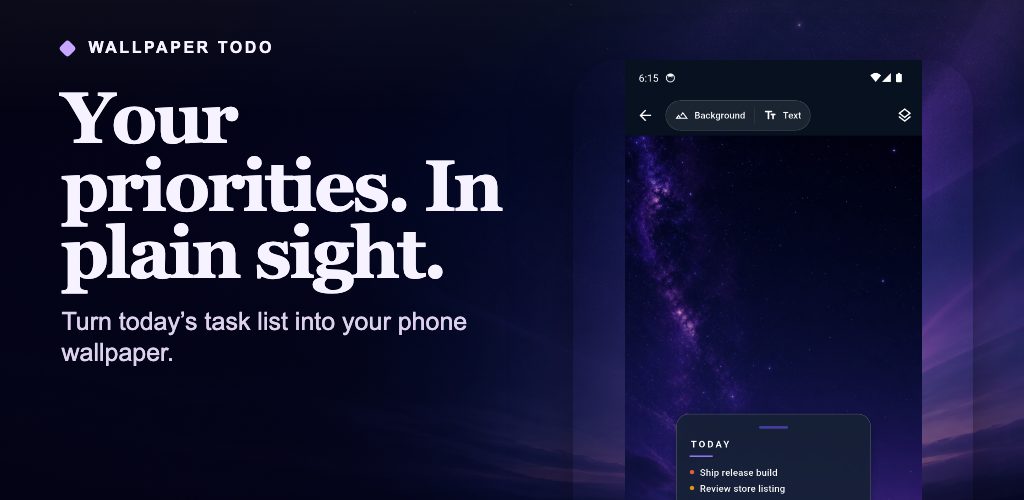
Stop reopening your planner just to remember what matters. Turn today’s tasks into a clean wallpaper for your Home screen, Lock screen, or both.
Download for AndroidFree · No account · Local-first
Wallpaper Todo Studio preview with a task list over a violet night-sky wallpaper
Tasks stay on your deviceWorks without an accountAndroid 7.0 and later
How it works

From task list to wallpaper in three steps.

Capture what matters, make it fit your phone, and put it somewhere you will see it.

01

Add and prioritize

Create tasks, reorder them, and use high, medium, or low priority to focus the list.

02

Make it yours

Choose a built-in background or a photo, then move the list and adjust its text size.

03

Apply where you want

Set the result on your Home screen, Lock screen, or both. Reapply after task changes to refresh it.

Inside the app

Simple controls. A result that fits your phone.

Every image below uses the real Android app interface.
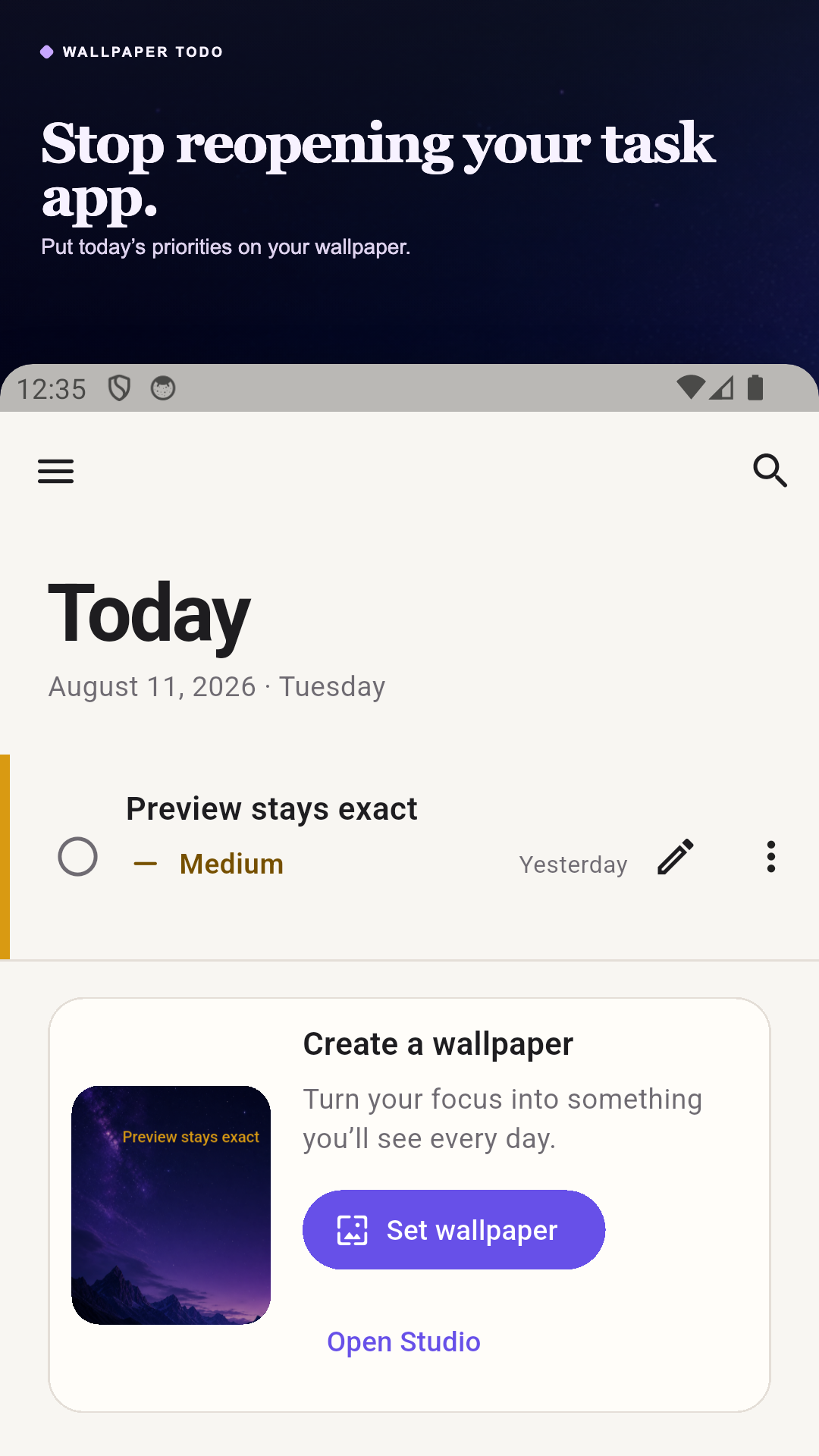
Wallpaper Todo task list with a priority task and wallpaper controls
Keep priorities visible
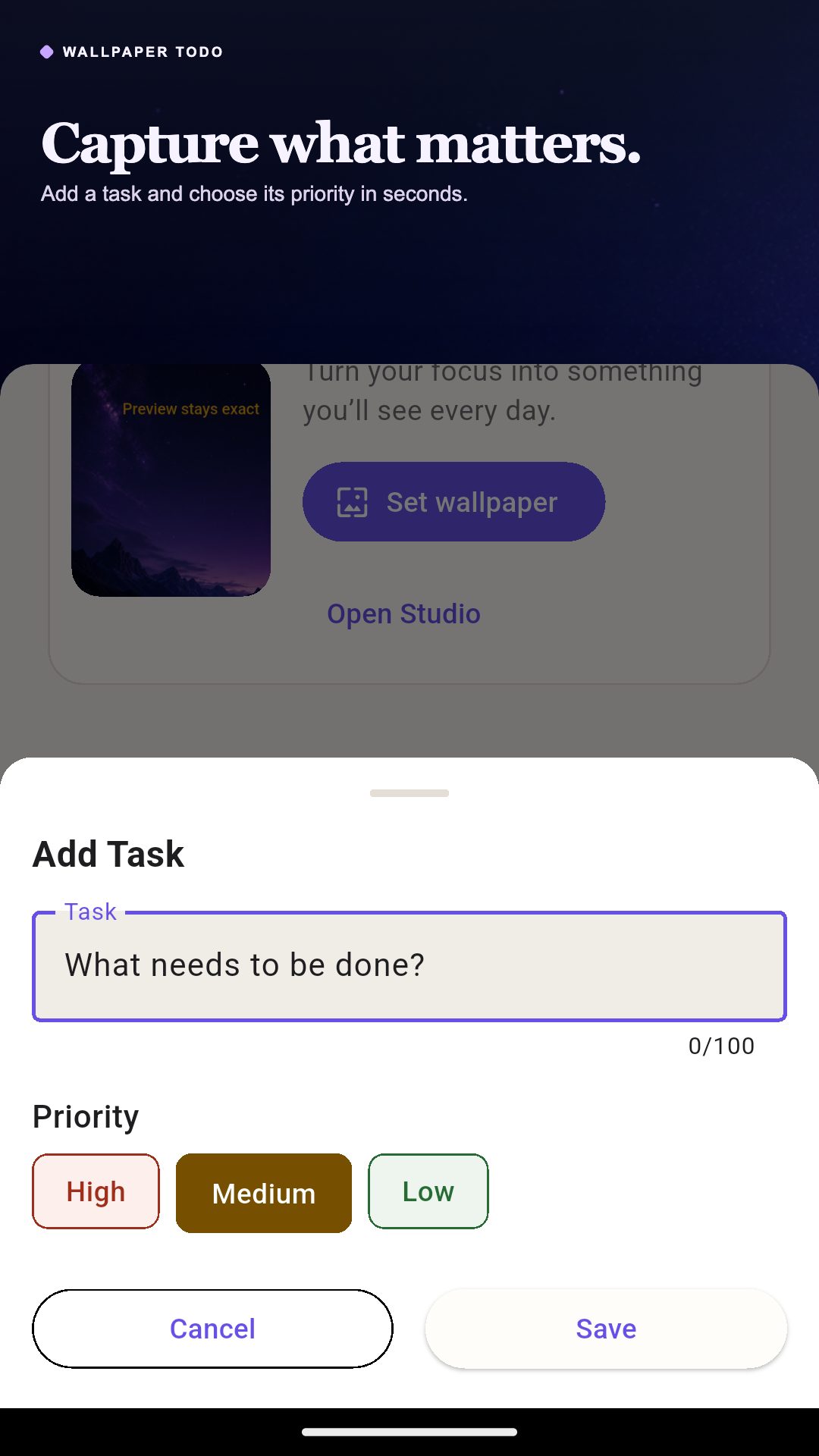
Add Task sheet with title and priority choices
Capture tasks quickly
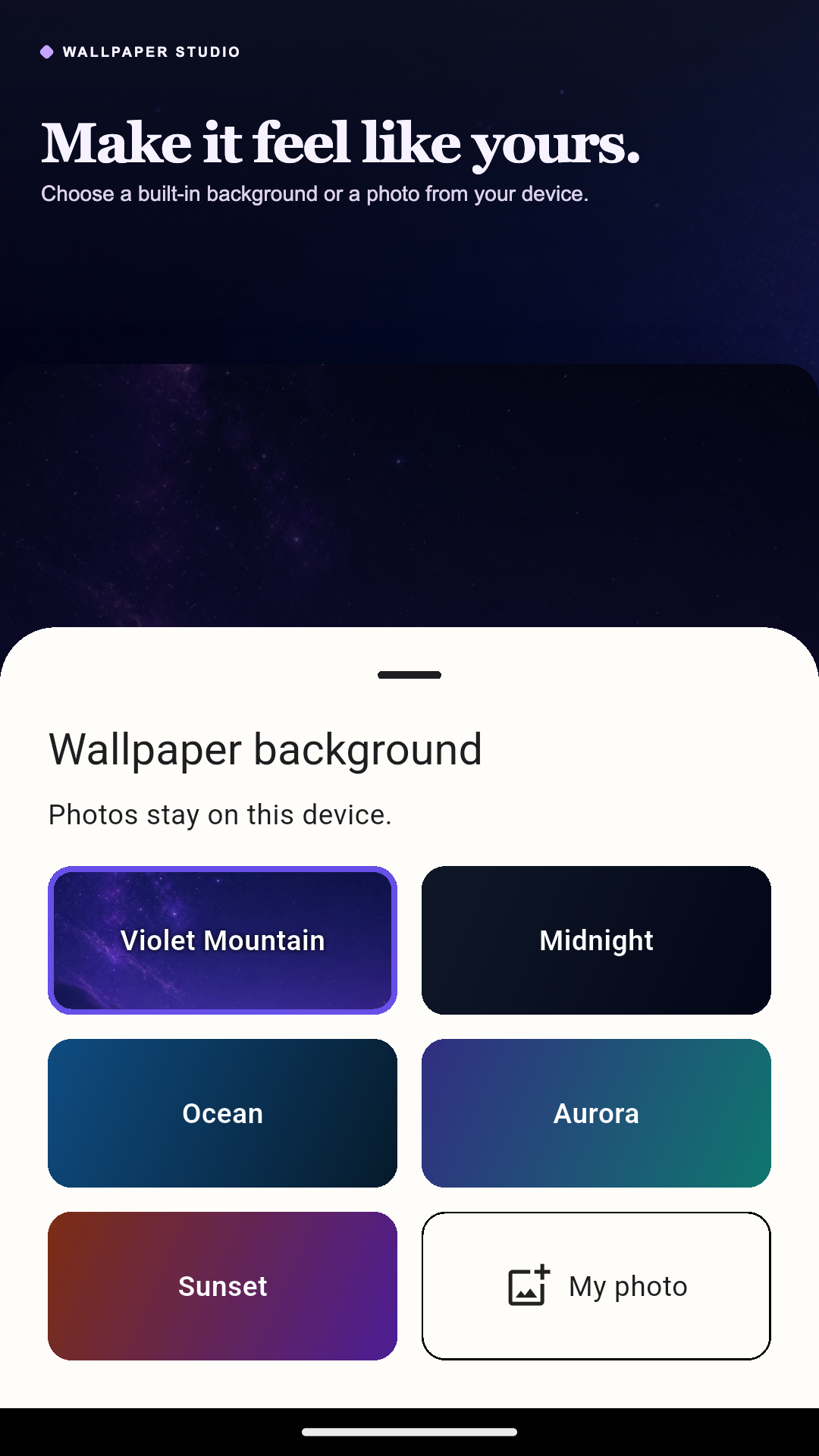
Wallpaper background chooser with presets and a photo option
Choose your background
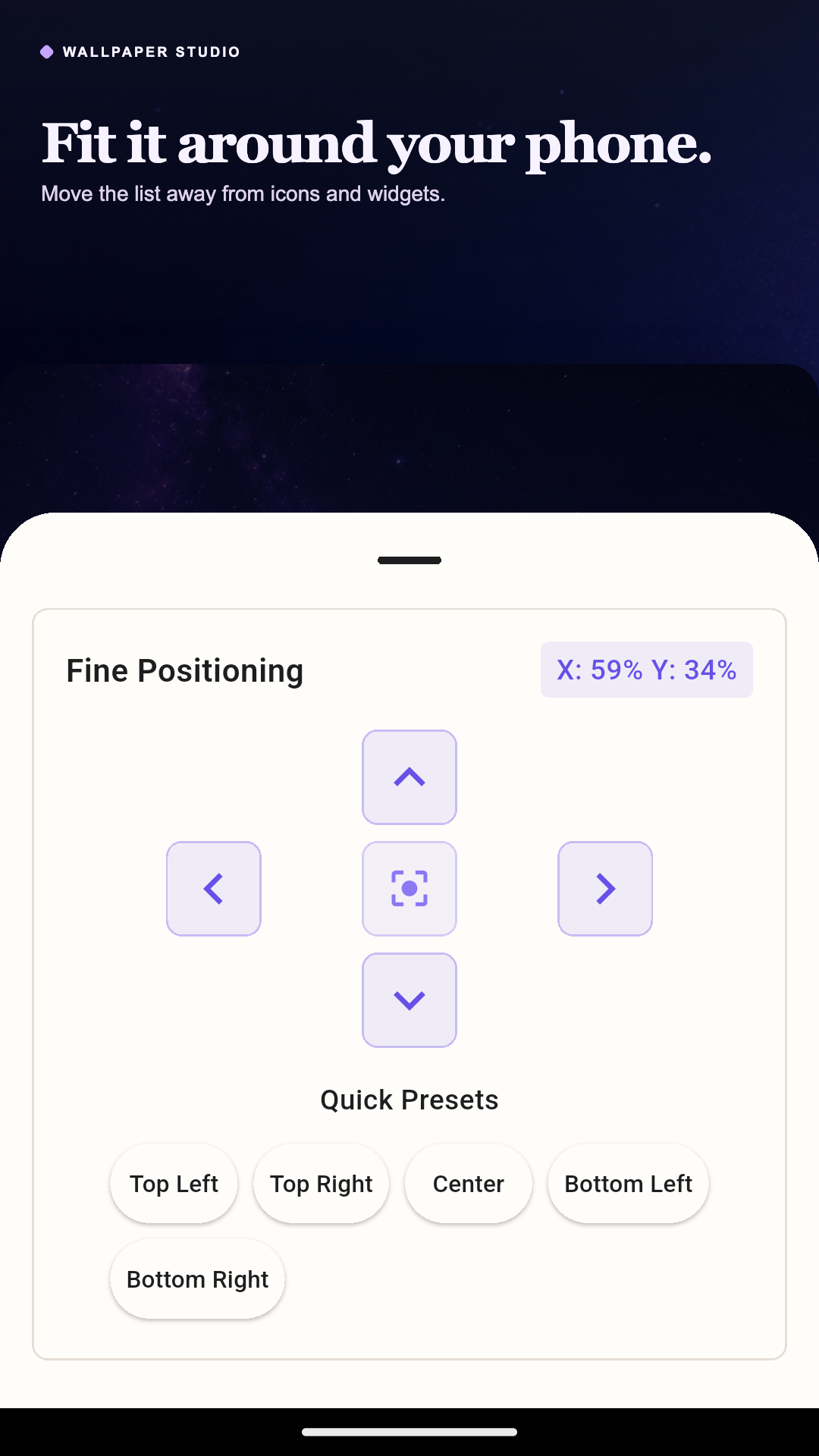
Positioning controls for moving the task list around icons
Fit it around icons
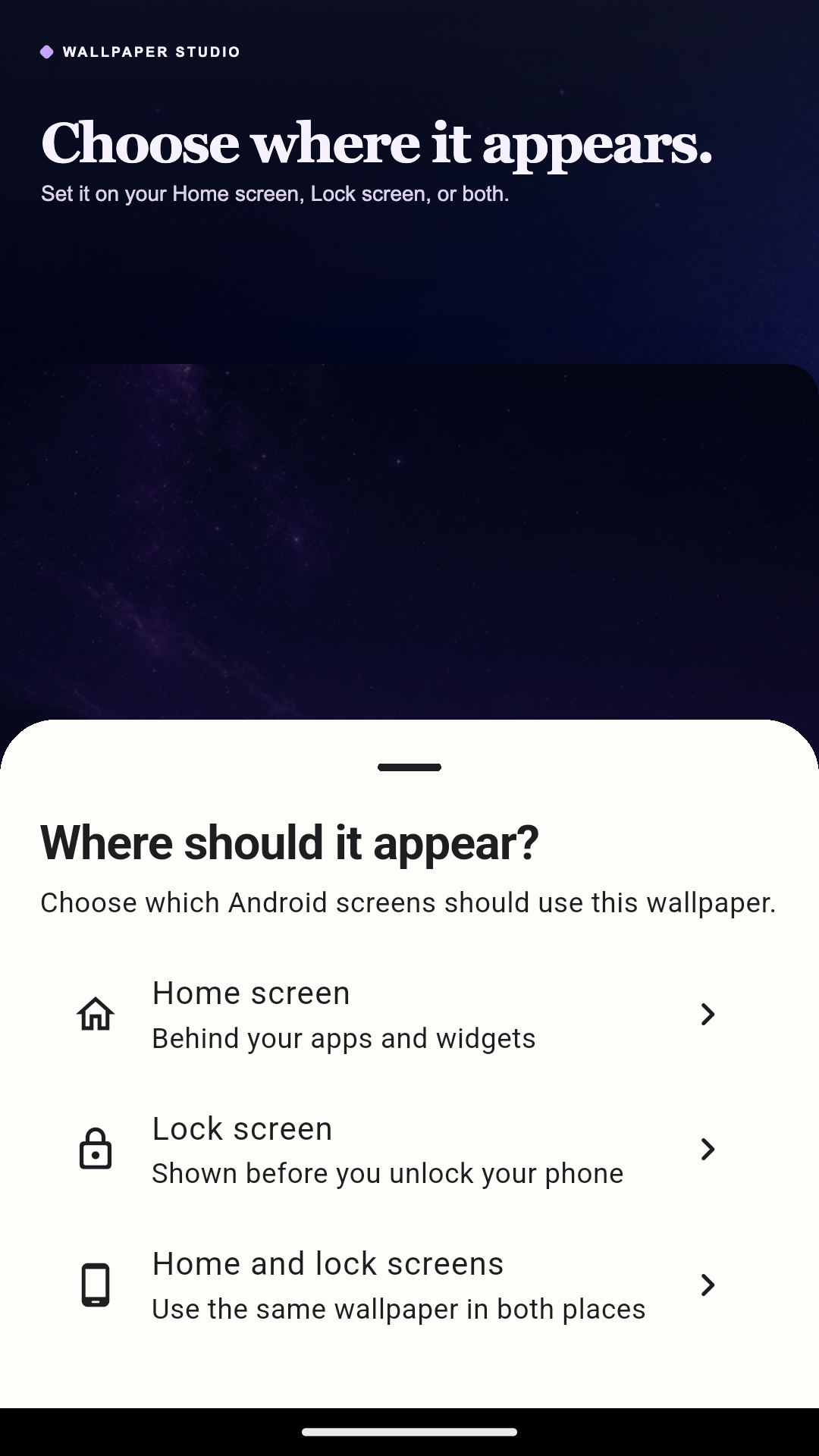
Android wallpaper destination choices for Home, Lock, or both
Choose where it appears
Local-first by default

Your tasks belong to you.

Wallpaper Todo is designed to work without an account or cloud sync.

  • Tasks and settings stay on your device
  • Selected background photos stay local
  • Optional anonymous diagnostics are off by default
Make today easier to see

Put your next task where you’ll notice it.

Download Wallpaper Todo free on Google Play.

Get Wallpaper Todo